Article actions
next-google-ads の v1.2.0 をリリースしました。今回のバージョンでは、Google AdSense が 2024 年から 2025 年にかけて導入した最新機能を包括的にサポートしています。Next.js アプリケーションへモダンな広告フォーマットを統合する作業が、これまで以上に簡単になるでしょう。
新機能
Auto Ads(自動広告)のサポート
AI を活用した自動広告配置機能を新たに追加しました。この機能では、AI がサイト全体を分析して最適な位置に広告を自動配置するため、収益とユーザー体験の最適化を手動で行う必要がありません。広告密度は low、medium、high の3段階から選択できます。さらに、2024 年に追加された Ad Intents にも対応しており、インテント駆動型の広告フォーマットを活用することも可能です。
import { AutoAdsScript } from 'next-google-ads'

<AutoAdsScript
  client="ca-pub-xxxxx"
  config={{
    enableAutoAds: true,
    adDensity: 'medium',
    enableAdIntents: true,
  }}
/>
Consent Mode v2(同意モード v2)の完全サポート
2024 年 3 月から必須となった GDPR 準拠の Consent Mode v2 に対応しました。ad_user_data と ad_personalization シグナルをサポートしているため、プライバシー制御を強化できます。同意管理プラットフォームとの統合も簡単に行えるうえ、GDPR 要件を満たす設定をコード上で完結させることが可能です。
<AutoAdsScript
  client="ca-pub-xxxxx"
  config={{ enableAutoAds: true }}
  consentMode={{
    ad_storage: 'denied',
    analytics_storage: 'denied',
    ad_user_data: 'denied',
    ad_personalization: 'denied',
  }}
/>
Anchor Ads(アンカー広告)のサポート
モバイル向けの折りたたみ可能な広告を追加しました。広告の表示位置は top、bottom、both から選択でき、ユーザーが広告を折りたためる機能も備えています。モバイルデバイスでのユーザー体験を損なわずに広告を表示したい場合に適しているといえます。
import { AnchorAd } from 'next-google-ads'

<AnchorAd
  client="ca-pub-xxxxx"
  slot="99999999"
  position="bottom"
  collapsible={true}
/>
モダンな広告フォーマット
コンテンツに自然に統合できる新しい広告フォーマットを3種類追加しました。
In-Article Ads(記事内広告) は、記事コンテンツ内に自然に配置できる広告フォーマットです。長文記事の途中に広告を挿入する場合に適しています。
import { InArticleAd } from 'next-google-ads'

<InArticleAd
  client="ca-pub-xxxxx"
  slot="99999999"
/>
In-Feed Ads(フィード内広告) は、リストやフィード、カードレイアウトに最適なフォーマットです。コンテンツ一覧の中に広告を自然に溶け込ませることができます。
import { InFeedAd } from 'next-google-ads'

<InFeedAd
  client="ca-pub-xxxxx"
  slot="99999999"
  layoutKey="-fb+5w+4e-db+86"
/>
Multiplex Ads(マルチプレックス広告) は、関連コンテンツと広告を組み合わせたフォーマットです。記事の末尾などで、関連記事のような形式で広告を表示する際に有効でしょう。
import { MultiplexAd } from 'next-google-ads'

<MultiplexAd
  client="ca-pub-xxxxx"
  slot="99999999"
/>
プライバシー機能の強化
プライバシー重視の広告オプションを追加しました。非個人化広告(NPA)モードを有効にすることで、パーソナライズされていない広告を表示できます。GDPR をはじめとするプライバシー規制に準拠した広告配信が求められる場面で役立つ機能です。
<GoogleAdsense
  client="ca-pub-xxxxx"
  slot="99999999"
  npaMode={true}
/>
インストール方法
以下のコマンドで v1.2.0 をインストールできます。
npm install next-google-ads@1.2.0最新バージョンをインストールする場合は、次のコマンドを使用してください。
npm install next-google-ads@latest関連リンク
GitHub リポジトリは https://github.com/hideokamoto/next-google-ads で公開しています。npm パッケージは https://www.npmjs.com/package/next-google-ads から入手可能です。
フィードバックについて
バグ報告や機能要望がありましたら、GitHub Issues までお寄せください。
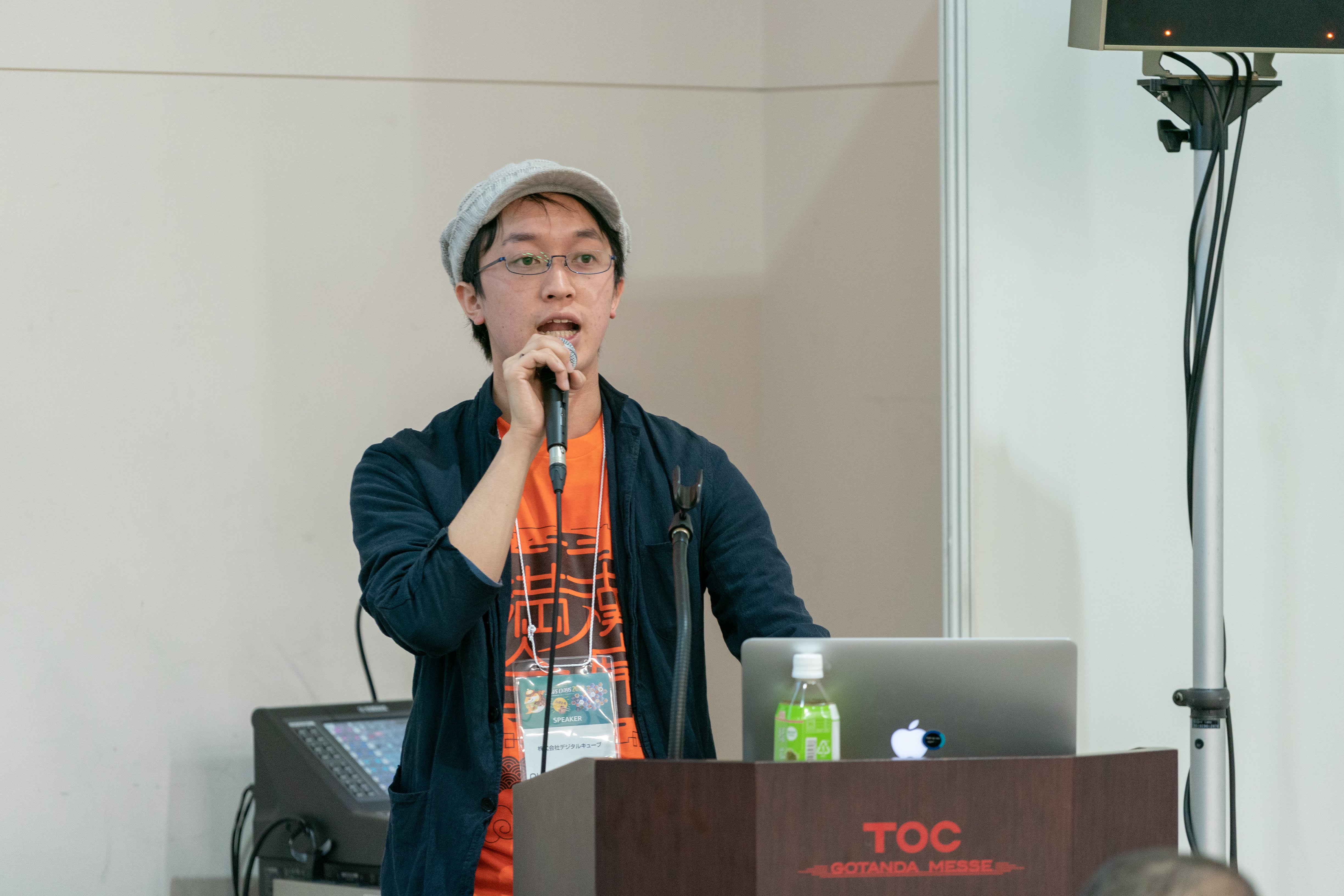
Hidetaka Okamoto
Developer Experience Engineer
Developer Experience Engineer. A developer specialized in serverless application development on AWS and Cloudflare. Former Stripe Developer Advocate / AWS Samurai 2017. Skilled in creating content and presentations that introduce service usage and best practices. You can follow me on Twitter at @hidetaka_dev
Latest News and Projects
Check out more news and projects.